
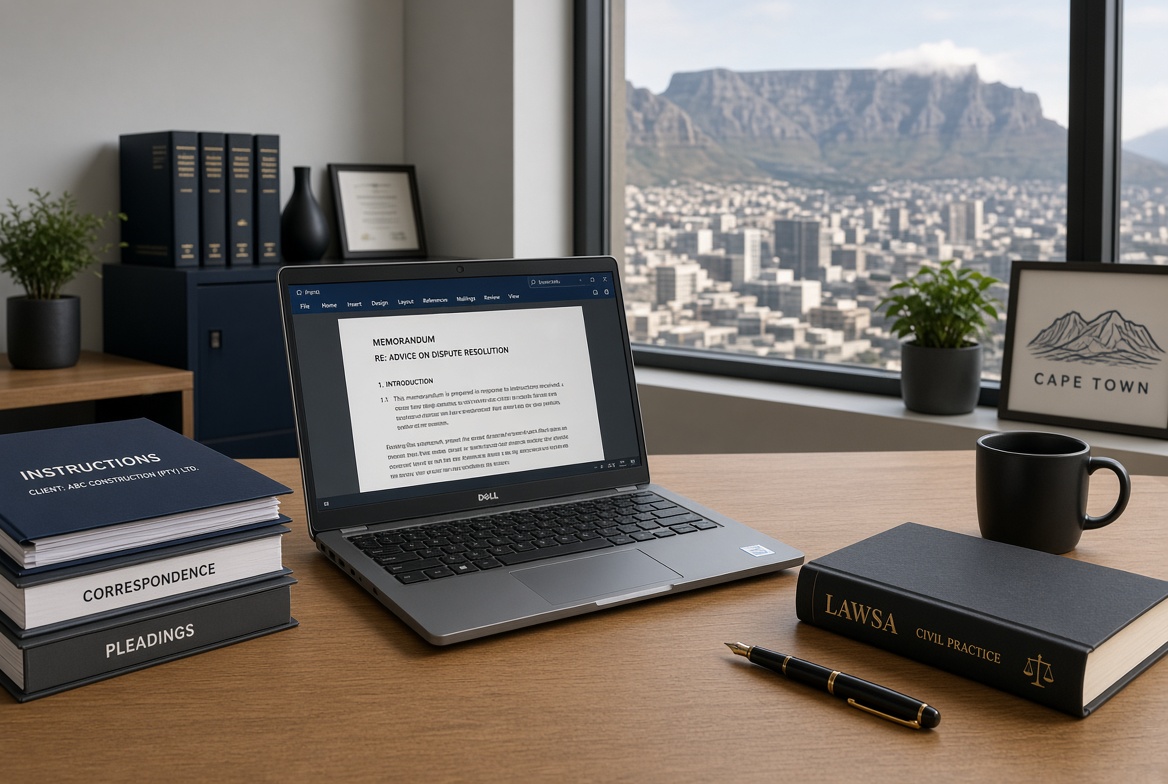
The most reliable way to save money on a laptop is not hunting the deepest discount. It is buying only what you actually need and refusing everything else. For South African lawyers and legal staff, that means a machine that handles document-heavy work, online research platforms, video consultations, and court or client meetings reliably…nothing more.
Start with your real requirements. List the software you use daily (Microsoft 365, LexisNexis, Juta, PDF annotation tools, practice-management systems). Note how and where you work: long hours of typing, frequent Teams or Zoom calls, carrying the laptop between chambers, court and home, and periods of load shedding. Decide the non-negotiables: battery life that lasts a full working day, a comfortable keyboard for extended drafting, a sharp enough screen for dense text, solid security features, and a warranty with local support. Everything else is optional.
Match Specs to Actual Work, Not Marketing
Most legal work is productivity-focused. A modern mid-range processor (Intel Core Ultra 5 / Core i5 equivalent or AMD Ryzen 5) handles multitasking, large PDFs, spreadsheets and heavy browser research without any strain. Higher processing chips mainly benefit specialised users running heavy analytics or frequent virtual machines.
Memory and storage matter more for day-to-day feel. Aim for 16 GB RAM as the practical minimum in 2026; 32 GB only if you routinely keep dozens of tabs, large case files and multiple applications open simultaneously. A 512 GB SSD is the minimum; 1 TB is the sensible sweet spot for matter folders and offline research. Avoid all spinning hard drives entirely – only SSD.
Battery life is critical given South Africa’s power reality. Target real-world performance of at least 8–10 hours under mixed office use (manufacturer claims are most often optimistic). Weight under 1.5–1.6 kg makes daily carrying practical. A good keyboard and trackpad reduce fatigue during long drafting sessions. Business-oriented models from Lenovo ThinkPad, Dell Latitude, HP EliteBook or ASUS ExpertBook lines usually deliver better keyboards, hinges and build quality than consumer equivalents at similar prices.
Skip features that sound impressive but add cost without daily value: high-refresh-rate or 4K screens (Full HD or 1920×1200 IPS is sufficient and more efficient), dedicated graphics cards, touchscreens or 2-in-1 convertibles (unless you annotate documents with a stylus every day), and the absolute newest processor generation when the previous one meets your needs.
Security is non-negotiable for confidential client work. Prefer Windows 11 Pro, a fingerprint reader or IR camera for Windows Hello, a physical webcam shutter, and TPM 2.0. These come standard on most business laptops.
Shop with Precision and Patience
Once you know the exact configuration, note the full model and part numbers. Retailers sometimes sell near-identical looking machines with reduced RAM, slower storage or missing ports at a tempting price. Compare the precise specifications side by side.
Timing helps. New processor generations usually appear in the first half of the year; previous-generation business models often drop in price once the new stock arrives. Watch for promotions around year-end, mid-year sales and retailer-specific events rather than waiting for any single “mega sale.” Local stores such as Evetech, Incredible Connection, Takealot, ComX and the official brand sites frequently run competitive offers. Check prices across several outlets on the same day. Spreads of R1 000–R2 000 on identical configurations are common.
Total Cost of Ownership Matters More Than Sticker Price
Factor in durability and support. A slightly more expensive business-class machine that lasts five years with reliable local service is cheaper than a consumer model that fails after two and requires expensive repairs or replacement. Avoid grey imports that lack proper South African warranty coverage.
Buy only what your work requires. Resist the urge to future-proof with every optional upgrade. Define the job that you want your laptop to do first, then buy the tool that does that job. Nothing more. That disciplined approach is the most consistent way to keep laptop costs under control.


