
What an AI agent really is (in plain English)?
An AI Agent is like a smart digital helper that doesn’t just answer questions, it does things for you. It can plan, use tools, and take actions by itself to complete a task, instead of only chatting and advising.
Example of what an Agent can do:
“Help me prepare for my history test on World War 2 next Friday.”
What the AI Agent does by itself:
- Looks up the important topics and key facts
- Makes a clear summary of each topic
- Creates practice questions
- Turns the facts into simple flashcards
- Quizzes you and corrects your mistakes
- Makes a study timetable for the week.
You don’t have to keep asking it to do the next step, then next etc.
Another Example:
A Chatbot on your website:
It will be configured to ask questions and, in the end, will ask for the user for their details.
The details will be entered into the designated Google Sheet, shared by all.
The Agent will notice there is a new entry and email the designated person/s with the user details and a link to open the Google Sheet, so the person can acknowledge the enquiry. The agent will also create a new email with the standard welcome and next steps and will allow the person to send the email once checked.
The Agent will flag the Google Sheet with “email sent”.
Once a day the partner will be emailed with a summary of the enquiries for the day.
How it differs from simple prompts?
AI Chat – You drive your car
AI Agent – Self-driving car
The really useful distinction:
| AI Chat | AI Agent |
| Prompt-driven | Goal-driven |
| Usually one task at a time | Can handle multiple steps |
| You decide the next step | It can decide the next appropriate step |
| Primarily generates information/content | Can gather information and take actions |
| You remain the workflow manager | AI can become the workflow worker |
| Great for questions, drafting, brainstorming | Great for repeatable processes and workflows |
Simple Step by Step to Create and AI Agent
Firstly…
None of the free AI LLMs provide a service to create an Agent – they all require paid for plans, sometimes not even the first tier paid for plans, but 2nd level up – estimated about $40 a month.
There are ways to use APIs (Application Programming Interface) or Python scripts, or coding to get an agent working in the LLMs. But we are not those types of people.
Nobody wants to test if an agent will work the way we expect, by committing to $40 a month, before you know it will first do the task and second whether you will get the result you want.
A said before in a previous chat webinar:
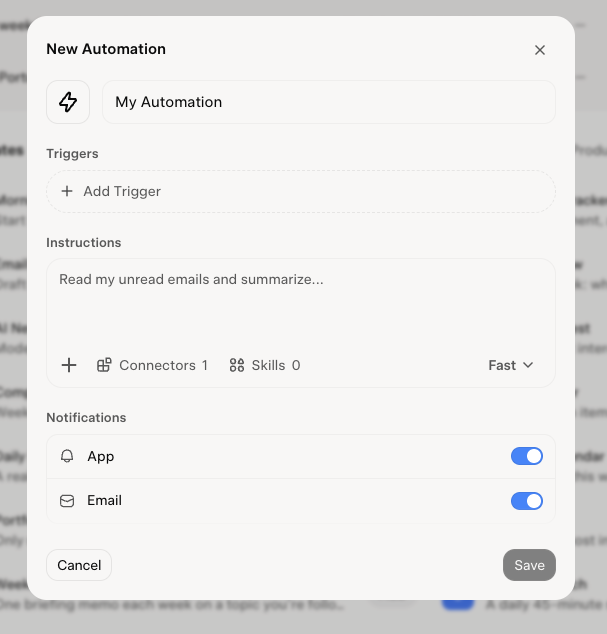
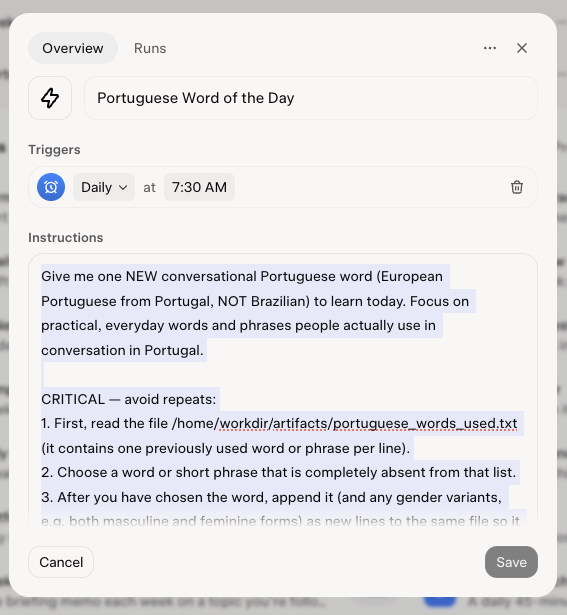
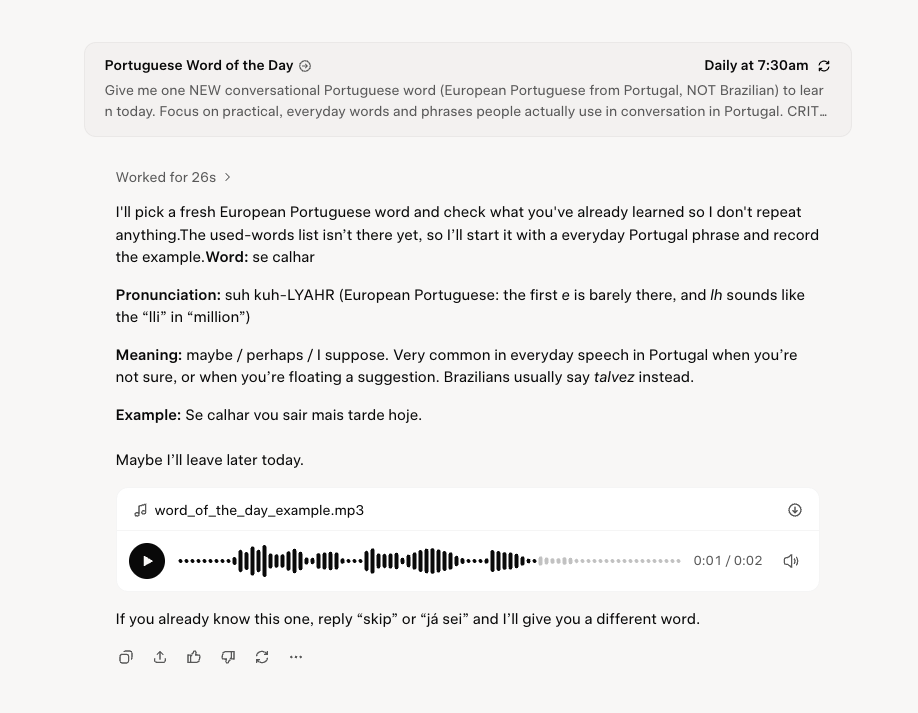
Grok Automations, on the basic free default web application for schedules and email triggers.
Go to
grok.com/automations
1. Open Automations
2. Choose a Trigger Type:
Select either a Schedule (run once, daily, weekly, monthly, or yearly at a specific time/timezone) or an Email Trigger (which watches your inbox for specific sender, recipient, or subject lines).
3. Write Your Instructions: Type what you want Grok to do (e.g., “Read my unread emails and summarize them” or “Send a morning brief at 8:00 AM”).
4. Test and Save: Click Run now to test your automation immediately before letting it run on schedule.
Show slide show

AI Agent Applications you can get a free Agent setup – normally one.
WorkBuddy – referred by a lawyer who has researched a few agent providers and settled on this.
https://www.workbuddy.ai/
BetterClaw – selected from a review of 8 best free agent builders. First agent no charge.
See you next week Wednesday at 4PM for another exciting episode of AI for Lawyers Fireside Chat.